 Enu
EnuFixing a wrong date or airport booking within 24 hours usually comes down to two moves, cancel fast (when eligible) and rebook correctly with proof in hand. This guide shows a clear, repeatable process using the airline’s “manage booking” tools plus Google Flights to quickly verify the right dates, airports, and replacement options.
Always confirm prices and policies on the official site.
Quick Answer (Read This First)
- Start the clock: the 24-hour window begins the moment you buy the ticket, not when you get the email.
- If the flight departs at least 7 days from booking, many US itineraries qualify for a free cancel and refund under DOT rules.
- “Fixing” is often fastest as a cancel and rebook, not a change, especially on basic economy.
- Gather your PNR (record locator), ticket number, passenger names, and the exact wrong detail (date or airport code).
- Try self-service first in “Manage booking” to avoid phone wait times and booking fees.
- Use Google Flights (date grid, price graph, flexible dates) to find a clean replacement itinerary before you cancel.
- Document everything: screenshots, timestamps, agent name/ID, and confirmation emails.
- If you booked through a third party, their support usually controls the first fix.
What Is Google Flights and What Does It Do?
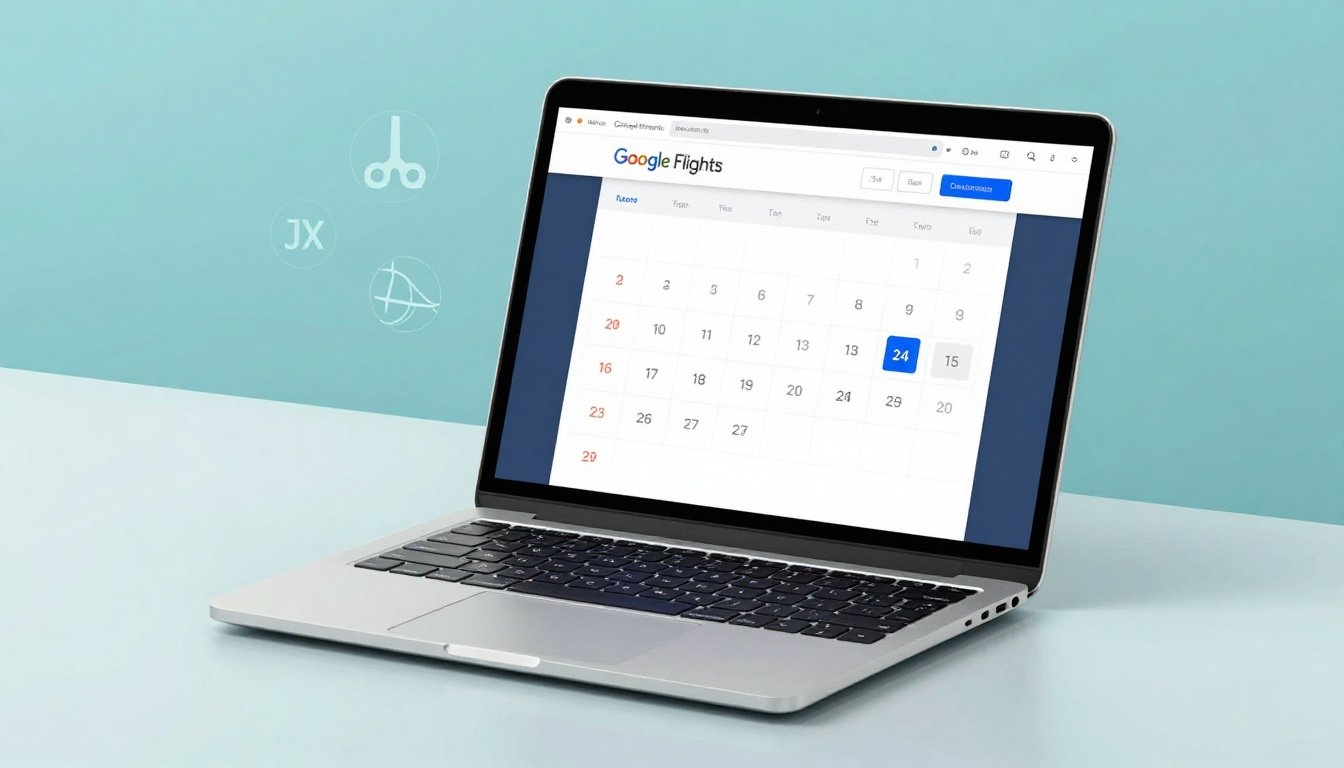
Google Flights is a flight search tool that helps you compare routes, prices, airlines, and schedules fast. It doesn’t “own” your ticket, but it can help you recover quickly when you need to rebook after a wrong date or airport mistake.
It’s most useful during the first 24 hours because you can spot the nearest matching options right away, especially when you’re flexible on times or can shift by a day. The date grid and price graph make it easier to see cheaper days without clicking through endless calendars.
It also supports price tracking. You can watch a route for a specific trip or track broadly if your dates are flexible, so you don’t miss a drop while you decide whether to cancel, rebook, or wait.
If you’re wondering “is Google Flights legit,” it’s a Google product used for search and comparison, then you book with an airline or approved seller. That separation matters for refunds and customer service.
Key Features of Google Flights
- Date grid to compare nearby days quickly (helpful if you picked the wrong date).
- Price graph to spot cheaper departure days at a glance.
- Flexible dates search to surface the best fares within a window.
- Explore map (including “Anywhere”) to find alternatives when your first plan breaks.
- Price insights that show whether a fare looks high or low versus usual.
- Price tracking with email updates so you catch changes without refreshing.
- Saved/tracked flights list for monitoring routes you’re considering.
Step-by-Step: How to Use Google Flights
- Open Google Flights and enter your departure and destination (use airport codes if you’re correcting an airport mix-up).
- Use the date picker, then switch to the date grid to compare nearby departures and returns.
- Open the price graph to see which days spike, and which days look cheaper.
- If timing is flexible, use the “Flexible dates” option to scan a broader window.
- Filter for nonstop if you need a clean, low-risk replacement itinerary.
- Compare total trip timing, not just the headline fare, especially for same-day swaps.
- Turn on price tracking for the corrected route so you’ll get alerts if the price changes.
- Once you pick the best replacement, click through and confirm where you’ll actually book (airline direct is usually easiest for changes and cancellation).
Before you pay (mini checklist):
- Confirm the month and day (watch for date format differences).
- Confirm the exact airport (city name is not enough).
- Check baggage and seat costs so “cheap tickets” don’t turn expensive.
- Verify passenger names match IDs.
- Confirm time zone and overnight arrivals.
Pricing, Fees, and What “Cheap” Really Means
When you fix a wrong date or airport booking within 24 hours, the real cost isn’t only the fare. It’s fare plus bags, seats, support costs, and any change fees the fare rules allow. Some airlines also add booking fees for phone help, so self-service can matter.
A “cheap” fare can become pricey if you must add a carry-on, pick a seat to stay with family, or pay to change later. Basic economy can look great upfront, but it often has stricter change rules and fewer protections.
Example total cost (example only):
Fare $220 + one checked bag $40 + seat selection $25 = $285 total. If your fix requires rebooking and the new fare is $260, the “fix” can feel like a $40 jump even before add-ons.
For DOT-related refunds and timing rules, rely on the official language and updates on DOT automatic refund guidance.
Pros and Cons
| Approach | Pros | Cons | Best for |
|---|---|---|---|
| Cancel and rebook within 24 hours | Often the cleanest reset, can be faster than negotiating | Replacement fare may be higher | Wrong date, wrong airport, or bad itinerary build |
| Airline self-service change | Quick if allowed, avoids hold times | Can trigger fare differences and restrictions | Minor schedule adjustment |
| Phone support | Useful for complex cases and exceptions | Long waits, possible phone booking fees | Multi-passenger, split PNR, special assistance |
| Third-party support (OTA) | One point of contact if they issued ticket | More layers, slower, tougher refunds | You booked through an online travel agency |
| Wait and hope | No work now | Risk missing the window, higher costs later | Almost never a good move in the first 24 hours |
Common Mistakes (and How to Avoid Them)
- Waiting to “think about it,” then missing the 24-hour cutoff, set a timer at purchase time.
- Confusing city names with airports (ex: multiple airports per metro area), verify the three-letter code.
- Trying to fix by change when a free cancel and rebook is allowed, compare both paths first.
- Forgetting your booking channel, airline direct vs OTA changes who can edit the ticket.
- Ignoring fare type rules (basic economy vs standard), check the ticket restrictions before calling.
- Not saving proof, screenshot confirmation, fare rules, and the time you requested cancellation.
- Calling the wrong line, use the airline’s official customer service number from their site.
- Overlooking add-ons, baggage and seat costs can change between bookings.
- Mixing passenger details, match names exactly to ID to avoid a second problem.
Is Google Flights Legit and Safe?
Google Flights is legit as a comparison and tracking tool, but it’s not the ticket issuer. Your ticket lives with the airline or the agency you paid. That’s why customer service, refunds, and cancellation decisions must be confirmed on the seller’s official site.
For safety, verify who issues the ticket before you act. Look for the airline ticket number, the record locator (PNR), and the payment receipt source. Also check the refund policy and which support channel is authorized to change the booking.
If you want a plain-language breakdown of the 24-hour rule from a travel publisher, compare notes with SmarterTravel’s 24-hour rule explainer, then confirm the exact policy on your airline’s site.
Tips to Get Better Deals
- Use the date grid to compare nearby days fast when correcting a wrong date.
- Check the price graph before you rebook, one day can change the price a lot.
- Filter to nonstop to reduce disruption risk while you’re already fixing an error.
- Track the corrected route and watch for email alerts if you can wait a bit.
- Book direct with the airline when you can, it usually simplifies cancellations and refunds.
- Re-check baggage rules before you buy, the cheapest fare can carry the highest add-on cost.
- Confirm airports by code, especially in cities with multiple airports.
- If you must call, do it during off-peak hours and keep your request short and exact.
- Ask the airline to confirm total cost before you approve any change, including fare difference and taxes.
- Save your corrected itinerary as a screenshot before you cancel the old one.
- If you’re forced to rebook, compare a few close departure times, sometimes the price swings by flight number.
- Use [SECONDARY KEYWORD 1] and [SECONDARY KEYWORD 2] and [SECONDARY KEYWORD 3] naturally in your notes and emails so your request stays consistent across support channels.
FAQs
Can I fix a wrong date or airport booking within 24 hours for free?
Sometimes. Many US itineraries qualify for free cancellation within 24 hours if the flight is at least 7 days away, but airline rules and booking channel still matter.
Is it better to change or cancel and rebook?
Cancel and rebook is often cleaner in the first 24 hours, especially if the wrong airport was selected. A change can cost more if the fare rules are strict.
What if I booked through a third party?
Start with the site you booked on. They usually control the ticket and refunds. Escalate to the airline only if the airline confirms they can take over the ticket.
Will basic economy let me fix mistakes?
Basic economy is often the hardest. Even if cancellation is allowed in the first 24 hours, later changes can be limited, and refunds can depend on the exact rules.
Do refunds go back to my card or become credit?
Under many 24-hour cancellation cases, you can get a refund to the original payment method. Outside that window, credits are more common. Always confirm the method before you accept.
What details do I need when contacting customer service?
Have passenger names, PNR, ticket number, the wrong detail (date or airport), and the exact corrected itinerary you want.
Can Google Flights change my ticket?
No. Google Flights helps you find the right replacement itinerary and track prices, but you still fix the ticket through the airline or agency.
What if I’m close to departure?
Eligibility can shrink fast on last-minute bookings. Move immediately, check the airline’s policy, and document every step.
Conclusion
To fix a wrong date or airport booking within 24 hours, act like it’s a timed task: verify eligibility, document your booking, find the corrected itinerary, then choose the fastest path (self-service change or cancel and rebook). Google Flights helps most with the replacement search, especially with the date grid, price graph, flexible dates, and price tracking.
Always confirm prices and policies on the official site, then keep proof of what you did and when you did it. That combination is what turns a stressful mistake into a quick correction.


 Enu
Enu