 Enu
EnuImagine filling out an IRCC form for a work permit extension, only to hit a snag because you mixed up the document number on work permit Canada with your UCI or application number. This common mix-up delays applications and causes stress for many newcomers and students. The document number is a unique ID, starting with “U” followed by nine digits, printed in black ink at the top right of your physical work permit.
In this guide, you’ll learn exactly where to find it, how it differs from other numbers, why it’s essential for extensions and new applications, and steps to use it correctly. We’ll cover mistakes to avoid and verification tips. Always check the official IRCC website for the latest as of January 2026, since rules can update. Accurate details like this matter, especially when consultants help students navigate visas and docs for smooth study-to-work transitions, as shared in success stories from places like StudyIn.
Quick Answer: What Is the Document Number on a Work Permit Canada?
The document number on work permit Canada identifies your specific permit in IRCC’s system. Here’s what you need to know in bullets:
- Format: Starts with “U” plus nine digits, like U123456789.
- Location: Top right corner of the physical paper permit in black ink.
- Purpose: Tracks your current work permit for extensions or status changes.
- Not the UCI: UCI is your 8- or 10-digit client ID (e.g., 0000-0000), same for all apps.
- Not the application number: That’s W plus nine digits (e.g., W993830598) for one app file.
- Changes per permit: Get a new one each time you renew.
- On physical copy only: Not on digital confirmations or emails.
- Key for forms: Enter it when IRCC asks for “status document number.”
This quick info saves time. Now let’s dive deeper.
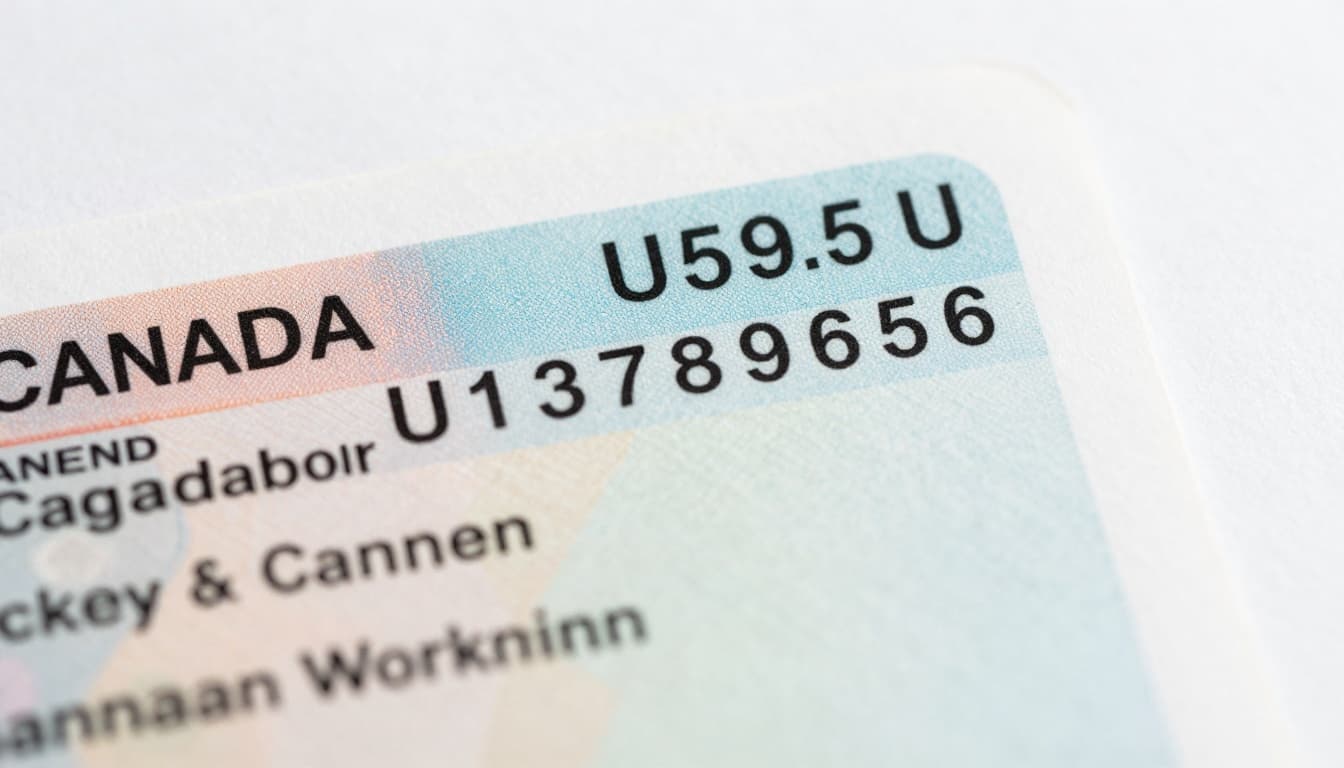
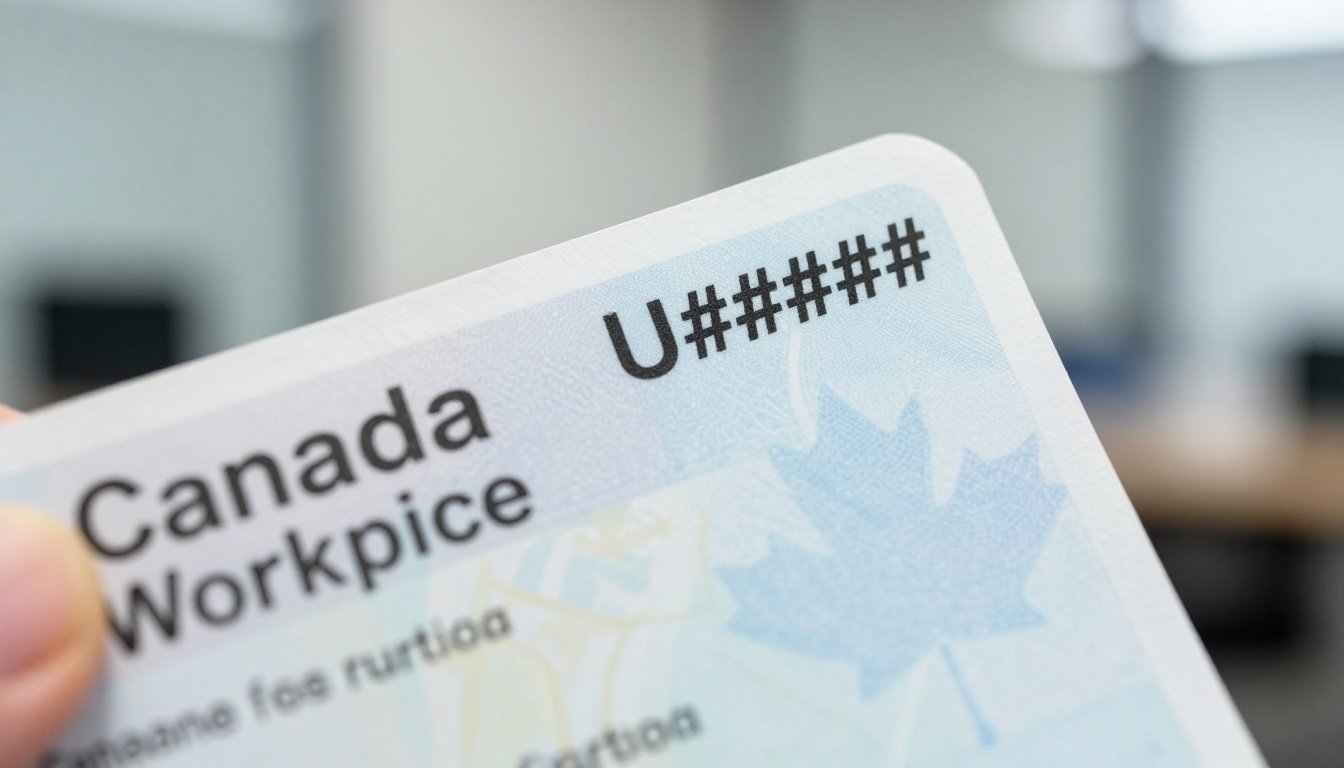
Close-up of a sample Canadian work permit showing the document number in the top right corner
Where Exactly Is the Document Number on Your Canadian Work Permit?
Hold your physical work permit, the paper version you received at the airport, border, or by mail. Look at the top right corner or sometimes top center. There, in bold black ink, sits the document number: U followed by nine digits.
This stands out from other text like your name or expiry date nearby. The permit has official borders and security features, but focus on that black number. It’s not on digital PDFs from your IRCC account or confirmation emails, those show application details only.
If the ink fades or you lost the permit, log into your IRCC portal or use their web form with your UCI and date of birth to request a copy. Students often get help from counselors who stress keeping scans, as one testimonial noted smooth visa processes thanks to expert doc reviews.
For clarity, see forums like this CanadaVisa discussion where users confirm the spot.
Document Number vs UCI vs Application Number
Mix-ups happen because forms ask for multiple IDs. Here’s a clear breakdown:
| Identifier | Format Example | Location/Use |
|---|---|---|
| Document Number | U123456789 | Top right on permit; tracks this permit |
| UCI (Client ID) | 0000-0000 or 00-0000-0000 | On all IRCC letters; your personal ID |
| Application Number | W993830598 | On app acknowledgments; one app only |
Document number is permit-specific and changes with renewals. UCI stays constant across files. App number ties to submissions like extensions. Use the wrong one, and your form bounces back. IRCC guides, such as UBC’s PGWP form tips, stress this.
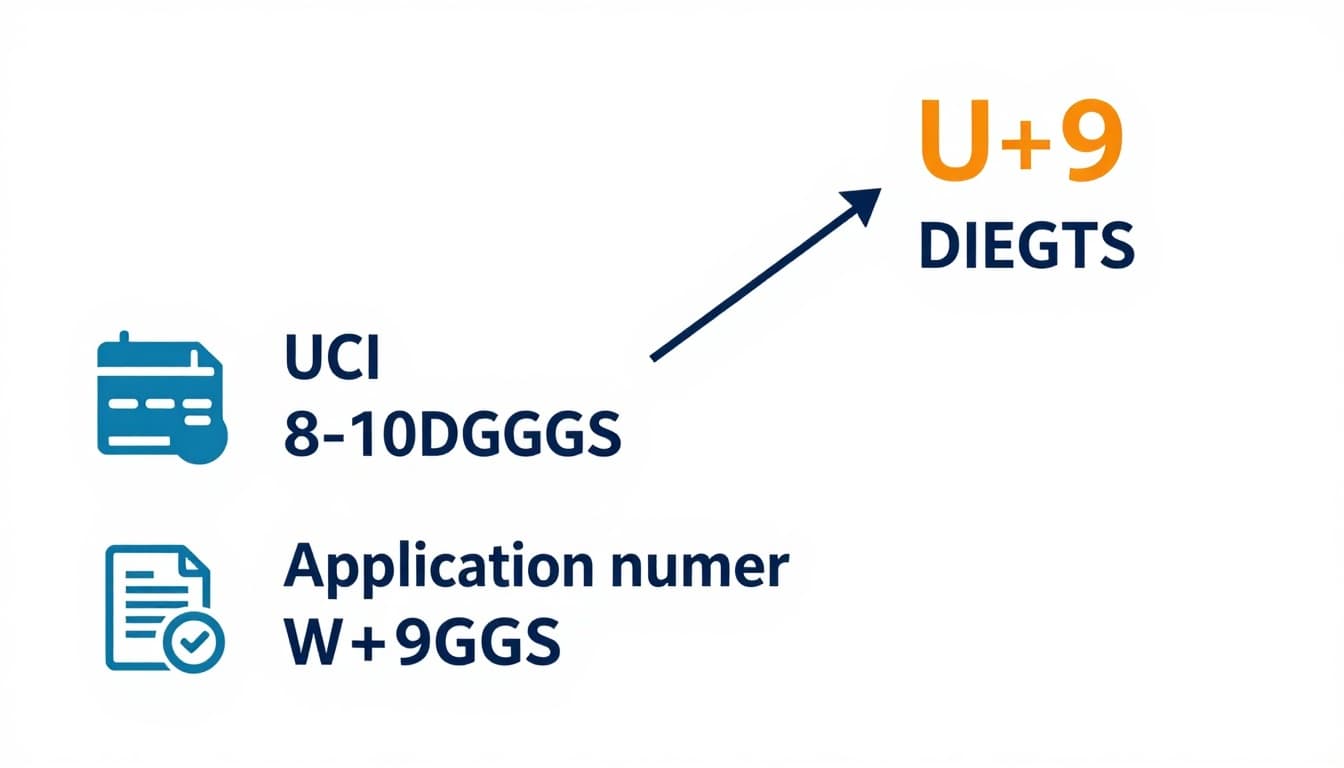
Infographic comparing key numbers on a Canadian work permit for quick reference
Why You Need the Document Number for Work Permit Extensions and More
IRCC uses the document number on work permit Canada to link your current status to new requests. It’s required on forms like IMM 5710 for extensions, where they ask for “status in Canada document number.” This proves you’re legally working and helps process bridging permits or changes.
For post-graduation work permits (PGWP), enter it to show prior status. It also matters for permanent residency apps referencing work history. Students transitioning from study permits value this, as counselors assist with doc accuracy for hassle-free visas, per shared experiences.
Without it, apps stall. Keep it handy for employer checks or travel proofs too.
Using It in IRCC Online Applications Step by Step
Follow these steps to input correctly:
- Locate your permit: Grab the physical copy and note the U-number at top right.
- Log into IRCC portal: Use GCKey or sign-in partner; start “extend my stay” or new app.
- Select worker category: Choose extension or PGWP; upload permit scan.
- Fill personal details: Enter UCI first, then spot the “document number” field for current status.
- Input exactly: Type U123456789 without spaces or extras; match black ink precisely.
- Add supporting docs: Include permit copy, proof of funds, job offer if needed.
- Review and pay: Double-check before submit.
- Track status: Use the new app number post-submission.
Before you submit checklist:
- Format: U + 9 digits, no hyphens.
- Matches permit: Scan to confirm.
- UCI ready: Often needed alongside.
- Expiry noted: Apply 30 days early.
Common Mistakes When Handling Your Work Permit Document Number
Avoid these pitfalls that lead to rejections:
- Using UCI instead: It’s your client ID, not the permit number; forms reject mismatches.
- Adding spaces or hyphens: Enter U123456789 plain; extras cause errors.
- Confusing with app number: W-numbers are for tracking apps, not status docs.
- Overlooking faded ink: Scan early; request replacement via web form.
- Relying on digital confirmation: No U-number there; use physical permit.
- Forgetting for PR apps: Reference past permits with old numbers.
- Ignoring updates: New permits get new U-numbers; note each.
- Not scanning backups: Lost originals delay everything.
Fix by verifying against IRCC samples. Real cases show quick fixes prevent months of waits.
Is Your Work Permit Document Number Legit? What to Verify
Check if your number follows U + 9 digits format. Log into your IRCC account to match it against records. If lost, submit a web form with UCI, DOB, and permit details for confirmation.
Cross-reference expiry and conditions on the permit. For doubts, contact IRCC via portal. Services like VFS handle submissions but verify docs first. Experts note transparent processes build trust, as in student testimonials.
FAQs About Document Number on Work Permit Canada
Where do I find the document number on work permit Canada?
Top right corner in black ink on the physical permit.
Is the document number the same as UCI?
No; UCI is 8-10 digits for your client file, document is U+9 for the permit.
Can I use it for PR applications?
Yes, to prove work status; list with dates.
What if I can’t read the number?
Request a reprint via IRCC web form using UCI.
Does it change on extension?
Yes, new permit gets a new U-number.
Is it on the study permit too?
Similar format but for study docs; check top right.
Needed for PGWP?
Yes, as prior status proof on IMM 5710.
Latest 2026 guidelines?
Format unchanged per IRCC; confirm on canada.ca.
Same as passport number?
No; passport is different (e.g., 2 letters + 6 digits).
Help from consultants?
They guide doc entry, as students praise for visa success.
Conclusion
The document number on work permit Canada sits at the top right as U plus nine digits, vital for extensions, PGWPs, and status proofs. Differentiate it from UCI and app numbers to avoid delays, and use steps for smooth IRCC apps.
Check IRCC.gc.ca today, scan your permit, or book free counseling from trusted experts for visa support. Accurate docs open doors to work and study goals, just as many have shared. What’s your next step?


 Enu
Enu