 Enu
EnuA “flight booking website” can look official and still be a third-party seller, or worse, a fake page built to take your money. This guide shows how to tell if a flight booking website is the real ticket seller, and what to do if it isn’t, before you hand over your card details.
Always confirm prices and policies on the official site.
Quick Answer (Read This First)
- The real ticket seller is usually the airline (direct) or a known online travel agency (OTA) listed clearly on the checkout page and in the confirmation email.
- Check the exact domain name, not the logo, not the colors, and not the headline deal.
- A secure connection (HTTPS) helps, but it doesn’t prove legitimacy by itself.
- If the site pushes gift cards, wire transfers, or crypto, treat it as a hard stop.
- Verify who will “issue” the ticket and who provides customer service for changes and refunds.
- Compare the same flight on the airline’s official site to spot junk fees and fake inventory.
- Use price-tracking tools and flexible date views to find real deals instead of chasing sketchy ones.
What Is Flight Booking Website Verification and What Does It Do?
Flight booking website verification is a set of quick checks that confirm who you’re actually buying from. It helps you separate airline-direct sales from third-party sellers, and both from lookalike scam sites.
This matters because the seller controls the rules you’ll live with later, including service fees, rebooking help, and how refunds get handled when plans change.
It also reduces the risk of “customer service impersonation” scams where the first phone number you find in search results leads to someone who’s not the airline.
Key Features of a Flight Booking Website
- Clear disclosure of the merchant of record (who charges your card).
- A visible ticketing policy that says who issues the e-ticket and when.
- Transparent totals that include taxes and show baggage and seat costs early.
- Real customer support details (phone, email, address) that match the brand.
- Secure checkout using standard payment methods (major cards, PayPal on some sites).
- Clean confirmation flow that produces a booking reference you can verify with the airline.
- No pressure tactics that try to rush you past the fine print.
Step-by-Step: How to Use Flight Booking Website Verification
- Start with the URL, not the search result. Type the airline or company name carefully, then confirm the domain spelling.
- Find the “about” and “terms” pages. Look for the legal business name and where they operate.
- Check who charges your card. The checkout page should name the seller, not just the airline you’re flying.
- Confirm who issues the ticket. Legit sellers explain whether they ticket instantly or within a stated time window.
- Compare the same itinerary elsewhere. Use the airline’s site as the baseline for baggage rules and change terms.
- Test customer support before you buy. A short chat or email question should get a normal, specific answer.
- Only then complete payment. Save screenshots of the price breakdown and policy pages.
Before you pay:
- Confirm the domain spelling and HTTPS lock.
- Confirm the merchant name and support channel.
- Confirm cancellation, refund, and change rules.
- Confirm baggage and seat fees are shown clearly.
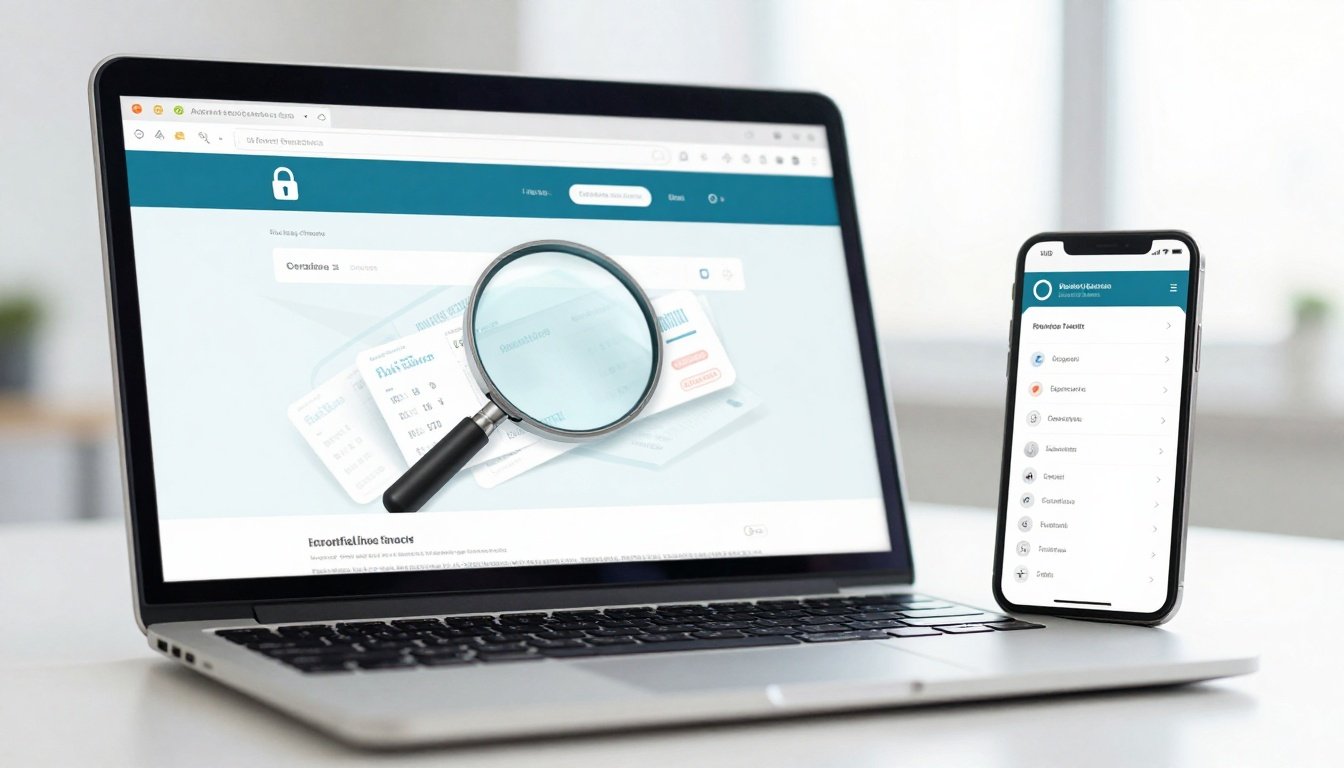
Image suggestion: A close-up photo of a laptop checkout page showing the merchant name, total price breakdown, and the browser address bar with the full domain visible.
Pricing, Fees, and What “Cheap” Really Means
A “cheap” fare often turns expensive after bags, seats, and support fees. Some third-party sellers keep the headline price low, then add service charges at checkout or after purchase when you call for help.
A practical way to judge a flight booking website is to price the full trip, not the base fare. Include carry-on rules, checked bag costs, seat selection, and change fees, plus any “service” or “processing” add-ons.
Example total cost (example only):
- $220 base fare
- $70 checked bag round trip
- $30 seat selection
- $25 booking fee
- Estimated total: $345
If the site won’t show these costs until the final screen, the deal isn’t as clean as it looks.
Pros and Cons
| Option | Pros | Cons | Best for |
|---|---|---|---|
| Booking direct with the airline | Clear ownership of the ticket, easier changes | Sometimes higher initial price | Trips where flexibility matters |
| Known OTA (major brand) | Bundles, filters, some better search tools | Added service layer, possible fees | Comparing lots of dates/routes |
| Metasearch tools | Great for price discovery | You still must verify the seller | Finding baseline pricing fast |
| Unknown third-party seller | Occasionally shows rare routings | Higher risk of fees and weak support | Only if fully verified |
| Lookalike or scam site | None | Payment loss, identity risk | Avoid |
Common Mistakes (and How to Avoid Them)
- Mistake: Trusting the top search result. Fix: verify the domain and avoid clicking random “customer support” ads.
- Mistake: Assuming a padlock means it’s safe. Fix: treat HTTPS as basic hygiene, then validate the seller identity.
- Mistake: Not checking who charges your card. Fix: read the payment screen and confirmation email details carefully.
- Mistake: Skipping policy pages. Fix: scan refunds, cancellations, and change rules before checkout.
- Mistake: Chasing “today only” pricing. Fix: compare the same flight on the airline site and walk away from pressure.
- Mistake: Paying with hard-to-reverse methods. Fix: use a credit card when possible, avoid gift cards and wires.
- Mistake: Booking too late, then panicking. Fix: plan ahead when you can, weeks ahead for many domestic trips, months for many international trips, then use tracking alerts.
- Mistake: Assuming every “confirm” code is ticketed. Fix: confirm you received an e-ticket number, not only a request ID.
Is flight booking website Legit and Safe?
“Is flight booking website legit” usually comes down to three facts: who the merchant is, who issued the ticket, and who supports you after purchase. A real seller makes those answers easy to find and consistent across the checkout page, terms, and confirmation email.
Scams often show up as fake customer support numbers, copycat domains, or pressure to pay in unusual ways. The Better Business Bureau has reported patterns where travelers are routed to third parties or impostors when searching for airline help, then get charged extra fees or outright lose money, see BBB third-party booking scam warning. For general scam-avoidance signals, use FTC travel scam prevention tips as a quick checklist.
A safe flight booking website also makes refunds and cancellations readable, and it doesn’t hide behind vague language like “contact the supplier” without naming who that is.
Tips to Get Better Deals
- Use flexible date searches so you can spot cheaper day pairs, not just one set of dates.
- Check one-way pricing both directions, sometimes it beats round trip.
- Use price-tracking alerts for specific routes, especially when you’re not ready to buy today.
- Look at date grids and price graphs when available, they help show patterns across weeks.
- Compare nonstop versus one-stop filters to see if the “deal” is just a brutal itinerary.
- Price bags and seats upfront, then compare totals, not headline fares.
- If your plans are open, use “anywhere” style exploration tools to see which destinations are cheapest from your city.
- Book earlier when you can, many domestic deals show up weeks out, and many international deals show up months out.
- Don’t rely on social ads for flight deals, go straight to known brands and verify.
- Save the fare rules page before checkout so you can reference what you agreed to.
FAQs
Is booking direct always better than a flight booking website?
Booking direct usually makes support simpler because the airline owns the ticket and changes. A flight booking website can still be fine, but only when the seller, fees, and policies are clear.
How can I tell who the real ticket seller is?
Look for the merchant of record at checkout, then confirm the same name appears in the confirmation email and on your card statement. Also confirm whether you received an e-ticket number.
What if the flight booking website is a third-party seller?
Treat it as a different product than booking direct. You’re buying their service model, which can include booking fees and different change help.
Why do prices change between search results and checkout?
Inventory can update fast, and some sites add fees late. Use total price breakdowns and compare with the airline site before paying.
What payment methods are a red flag?
Gift cards, wire transfers, and crypto are common red flags because they’re hard to reverse. A legit flight booking website usually supports major credit cards at a minimum.
How do I avoid last-minute mistakes when I need a flight now?
Use reputable tools to compare options quickly, then verify the seller details before payment. Avoid searching random “airline phone numbers” and use official channels.
Do price trackers help avoid scams?
They can. Tracking a route’s price reduces panic buying and helps you wait for a normal fare movement instead of chasing suspicious “too cheap” offers.
Conclusion
A flight booking website can be the real ticket seller, a legit third party, or a fake that’s built to look convincing. The difference shows up in the domain, the merchant of record, the ticket issuer, and the refund and cancellation terms.
Use the same decision framework every time: verify the site identity, verify who charges you, verify who issues the ticket, and verify support and refund rules on the official site. That’s how you book with confidence and avoid the traps.


 Enu
Enu