 Enu
EnuSkyscanner flights are one of the fastest ways to compare fares when you want a low price without guessing. You search, you compare, then you book with an airline or a travel seller that Skyscanner sends you to. That’s the key point: Skyscanner is usually a search tool, not the store.
In this guide, you’ll use Skyscanner flights the same way pros do: scan a full month, open up “Everywhere,” check nearby airports, filter out bad options, and set Price Alerts so you don’t have to keep checking manually.
Quick disclaimer before you start: prices change fast, Skyscanner doesn’t usually sell tickets, and your final price, baggage rules, changes, and refunds depend on the airline or third-party site you book with. You’ll still get a simple step-by-step plan, and you’ll finish with a safer checkout routine.

Skyscanner flights step by step, how to find the cheapest fare for any destination
If you treat Skyscanner flights like a control panel, not a single search box, you’ll spot cheaper patterns in minutes. Use this exact flow.
The main 9-step playbook (use it for every route)
- Start with your true departure point. Enter your city or airport (for Germany, that might be MUC, FRA, BER, HAM, DUS). If you can realistically use more than one airport, you’ll add those in a later step.
- Pick “One way” first (even if you want round-trip). This makes price patterns easier to read. After you find cheap outbound days, repeat for the return, then switch back to round-trip to confirm the combined total.
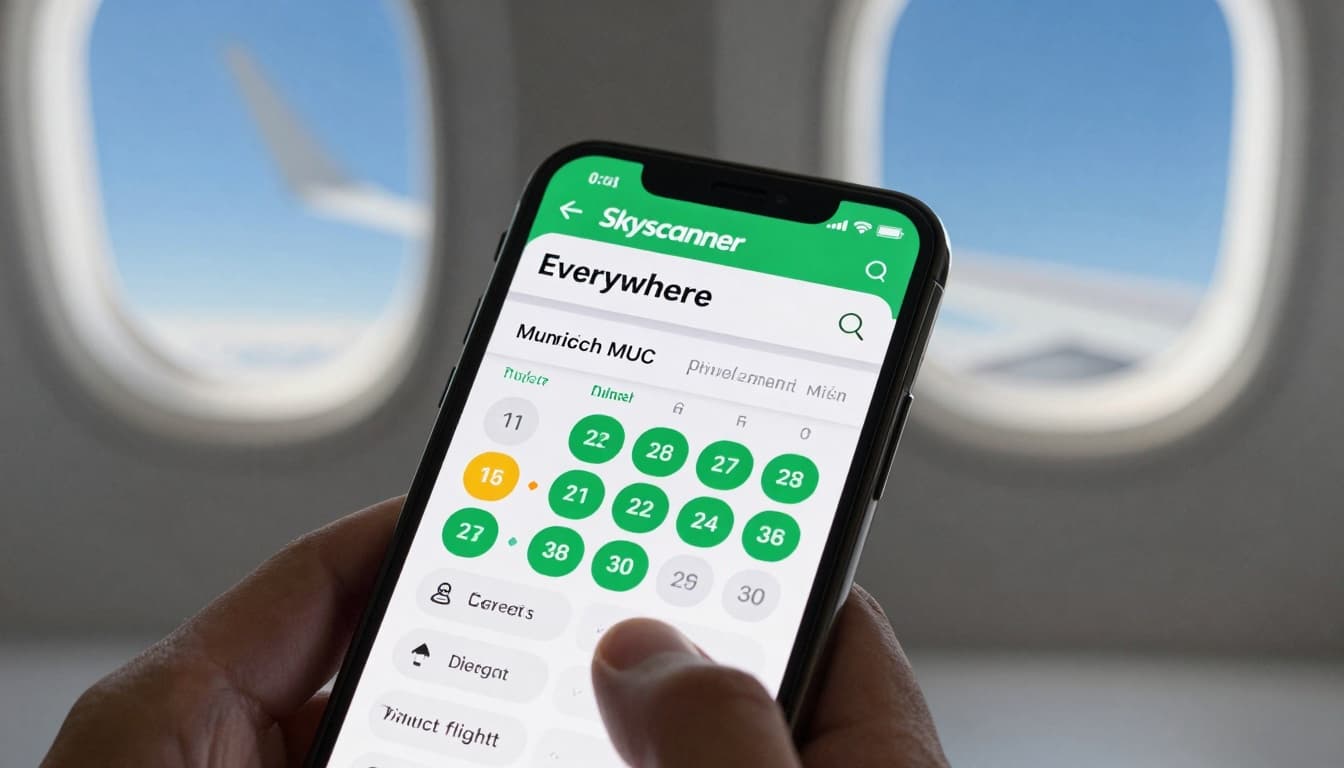
- Open the date tool and switch to “Whole month.” Don’t lock yourself into one day yet. You’re looking for a cluster of cheaper days.
- Switch from “Whole month” to “Cheapest month.” This is where Skyscanner flights become unfairly efficient. You’re no longer choosing a date, you’re choosing the cheapest time window.
- Use “Everywhere” as the destination when you’re flexible. If your goal is “a warm week away” or “a city break under a set budget,” type Everywhere. Then narrow by month and pick a destination that matches your price comfort.
- Turn on “Nearby airports.” This is one of the biggest levers. A nearby departure airport can be cheaper because of competition, budget airline presence, or different demand patterns.
- Sort by “Cheapest,” then sanity-check with “Fastest.” Sorting by the lowest price is a great start, but the cheapest option is sometimes a bad deal after you factor in overnight layovers, separate tickets, or airport transfers.
- Use Filters like you mean it. At minimum, check:
- Stops (nonstop vs 1 stop)
- Times (avoid arrivals at 01:00 if that ruins your trip)
- Airlines
- Duration
- Baggage (when shown) and cabin bag rules
- Set Price Alerts early. If you’re not booking today, let Skyscanner flights watch the route for you. A Price Alert helps you react when the price drops, not after it rebounds. Skyscanner explains how alerts work in its own guide on Price Alerts and Saved flights.
One last discipline that saves money: when you click out to book, recheck the total price, baggage, seat fees, payment fees, and change rules on the checkout site. The lowest search result is not the final invoice.
Steps to use Whole month and Cheapest month to spot the lowest days
Flexible dates beat single-date searches because airfare is a moving target. Think of each day as a separate product with its own demand.
- Run your first search in Skyscanner flights as normal.
- Click the date field, then choose Whole month.
- Scan the calendar colors and lowest numbers. You’re looking for the cheapest outbound day, not your favorite day.
- Switch to Cheapest month and compare. Sometimes the cheapest “month” is actually a few days on the edge of that month.
- Select the lowest day, then repeat the same process for the return date if you need a round-trip.
- After you’ve found two good days, run a final round-trip search to confirm the combined fare.
A practical tip that often works: check Tuesday to Thursday departures and returns before you accept a weekend pattern. Weekends carry higher demand, and that demand shows up in prices, especially on short routes.
Steps to use Everywhere and nearby airports to unlock cheaper routes
When you use Everywhere, you’re not being vague, you’re being strategic. You’re giving Skyscanner flights permission to surface routes you’d never think to type.
- Enter your departure airport.
- Set your destination to Everywhere.
- Choose Whole month or Cheapest month.
- Sort by Cheapest.
- Use a budget filter in your head, then open destinations that fit.
- Once you like a destination, apply Filters (stops, duration, times) so you don’t “win” a cheap fare that costs you a full day of travel.
Then add airport flexibility:
- Turn on Nearby airports for departure.
- Repeat the same Everywhere search.
- Compare the best options airport by airport.
In Germany, nearby airports can be a real money saver, but only if the ground travel cost doesn’t erase the gain. A €35 train plus two extra hours might still be worth it for a family trip, but it might be a bad trade for a one-night work visit. You’re not chasing the cheapest number, you’re chasing the best total trip cost.
When are Skyscanner flights cheapest, and when should you book
You’ll see people claim there’s one “magic day” to buy flights. Real life is messier. Prices move based on route demand, season, seat inventory, school holidays, and big events.
What you can rely on is a planning window. For many routes, you’ll see better stability and more choice when you book inside common ranges, then you use Skyscanner flights alerts to catch dips.
Here’s a mini checklist to run before you commit:
- You’ve checked Whole month and Cheapest month at least once.
- You’ve compared nonstop vs 1 stop with the same baggage assumptions.
- You’ve checked Nearby airports (at least for departure).
- You’ve confirmed the seller’s total price includes taxes and mandatory fees.
- You’ve read the change and refund rules like it’s a contract (because it is).
Skyscanner when to book flights for domestic vs international trips
For many domestic and short-haul trips, a common sweet spot is about 2 to 8 weeks out. For many international economy trips, a common planning range is about 2 to 6 months out.
Exceptions are predictable. If you’re traveling during Christmas, Easter, summer school breaks, or flying into a major event city, demand is the boss. In those cases, you usually want to track earlier, and book when the price looks fair for that route, not when a calendar tells you to.
The clean method is simple: set a Price Alert early, watch for a drop, and book when you see a price you’d be happy to pay again.
Best days and times to search, plus what actually matters more
Midweek flights (Tuesday to Thursday) often price lower than weekend flights, but it’s not guaranteed. Your bigger wins come from flexible dates, nearby airports, and baggage rules.
Baggage is the silent budget killer. A low-cost fare can look unbeatable, then turn into a normal fare when you add a carry-on, checked bag, seat selection, or airport check-in fees. Treat the “cheapest” result as a draft, then verify the real total on the booking site.
Are Skyscanner flights trustworthy, legit, and reliable for booking
Skyscanner flights are trustworthy for comparing options. The booking risk usually comes later, at the moment you leave Skyscanner and pay someone else.
Skyscanner commonly works on a redirect model: it shows prices from airlines and travel sellers, then sends you to that provider to book. That’s why two people can have very different experiences using the same search result. One booked direct with the airline, the other booked with a third-party agency with slower support.

How Skyscanner works, why the final seller matters more than the search result
When you use Skyscanner flights, treat the results page like a shortlist, not a promise. Before you enter payment details, confirm:
- Who issues the ticket (the airline or an agency)
- The total price with taxes and fees
- Baggage rules for cabin and checked bags
- Seat fees (some fares don’t include seat choice)
- Changes and refunds (especially “basic” or “light” fares)
- Whether the itinerary is one ticket or separate tickets for connections
Price changes during checkout can happen. Inventory updates. Currency conversion happens. Some sellers add service fees. None of that means Skyscanner flights are a scam, it means you’re seeing live pricing in a market that moves.
If you’re unsure about a seller, check independent reviews. A quick scan of Skyscanner reviews on Trustpilot can help you sanity-check common issues other travelers report.
A quick safety checklist before you click buy (and what to do if there is a problem)
Use this before every payment:
- Confirm the final total on the payment page (not the search page).
- Read baggage rules for your exact fare class.
- Check layover time and airport changes for connections.
- Look at the seller rating shown in the results, then research unknown agencies.
- Pay with a credit card or PayPal when possible.
- Save screenshots of the fare rules and the final checkout total.
- Keep the confirmation email and ticket number in one place.
If something goes wrong:
- Contact the booking company first (they took your payment).
- If you booked direct, contact the airline with your booking reference.
- If you can’t resolve it, escalate through your payment provider dispute process, using your screenshots and confirmations.
Practical examples you can copy, Munich departures, Dubai trips, and flights near London
Examples help because Skyscanner flights reward repetition. Once you run the same pattern a few times, you’ll stop guessing and start controlling the outcome.
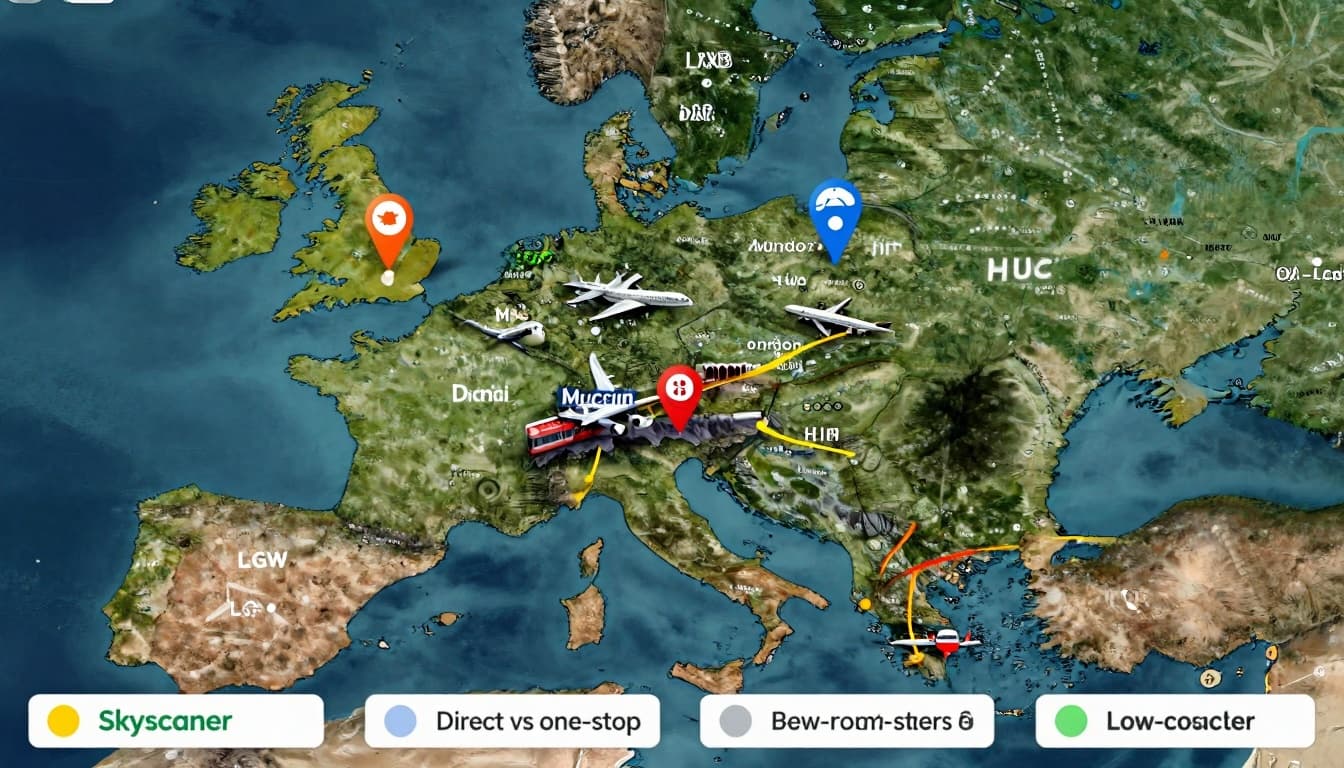
Skyscanner flights from Munich, how to compare direct vs low cost options
- Set departure to Munich (MUC), turn on Nearby airports if you can also use Augsburg or even Nürnberg with a train connection.
- Open Whole month, then Cheapest month to spot low days.
- Sort by Cheapest, then toggle to Fastest to see what the time trade looks like.
- If time matters, filter to nonstop and compare the price jump.
- Before booking, check baggage and the airport transfer cost. A cheap fare out of a different airport can get expensive if ground travel adds up.
Skyscanner flights to Dubai and Skyscanner flights near London, how to use filters to avoid surprise fees
For Skyscanner flights to Dubai:
- Use Cheapest month first. Dubai pricing swings with seasons and holidays.
- Compare direct vs 1 stop. One stop can save money, but it can also add risk and fatigue.
- In Filters, tighten total duration so a “cheap” connection doesn’t become a 27-hour marathon.
- At checkout, double-check baggage and change rules. Long-haul “basic” fares can be strict.
For Skyscanner flights near London:
- Use London as a region, then compare airports: Heathrow, Gatwick, Stansted, Luton, and City.
- Filter by total travel time, not just stops. A “1 stop” might still be efficient, or it might be a time trap.
- If you need luggage, filter and verify baggage. Low-cost tickets around London often look cheap until bags and seats are added.
Conclusion
Skyscanner flights work best when you follow a repeatable playbook, not when you chase a single “deal” screenshot. Stay flexible with dates using Whole month and Cheapest month, open up Everywhere when your destination is optional, compare Nearby airports, and set Price Alerts so you catch drops without constant checking.
Keep the disclaimers in view: Skyscanner is mainly for searching, and your final price, fees, and rules come from the airline or seller you choose at checkout. Pick one route today, set an alert, and compare the final total (including baggage) before you pay.


 Enu
Enu