 Enu
EnuWaiting for a Canada visa decision feels like watching paint dry. You submit your study permit, work permit, or visitor visa application, then the silence hits. That’s where the Canada visa application tracker steps in. This official IRCC tool gives real-time updates after you get your Acknowledgment of Receipt (AOR).
This post covers the IRCC Application Status Tracker, how it works, steps to use it, links to secure accounts and older tools like CAS, pros and cons, mistakes to dodge, and smart tips. It’s free, legit, and straight from Immigration, Refugees and Citizenship Canada (IRCC). Always check the official IRCC site for the latest, as rules shift. You’ll walk away with peace of mind and exact steps to monitor your application online.
Quick Answer (Read This First)
- Use the official IRCC Application Status Tracker after AOR for real-time updates on study, work, and visitor visas.
- Create a new account with your application number and UCI number.
- Pair it with your IRCC secure account for full details like messages.
- Skip third-party apps; they lack official access.
- Check processing times on a separate IRCC tool for estimates.
- It’s free, secure, and shows steps like eligibility reviews.
- Get email alerts once linked.
- Works for Express Entry too after AOR.
What Is Canada Visa Application Tracker and What Does It Do?
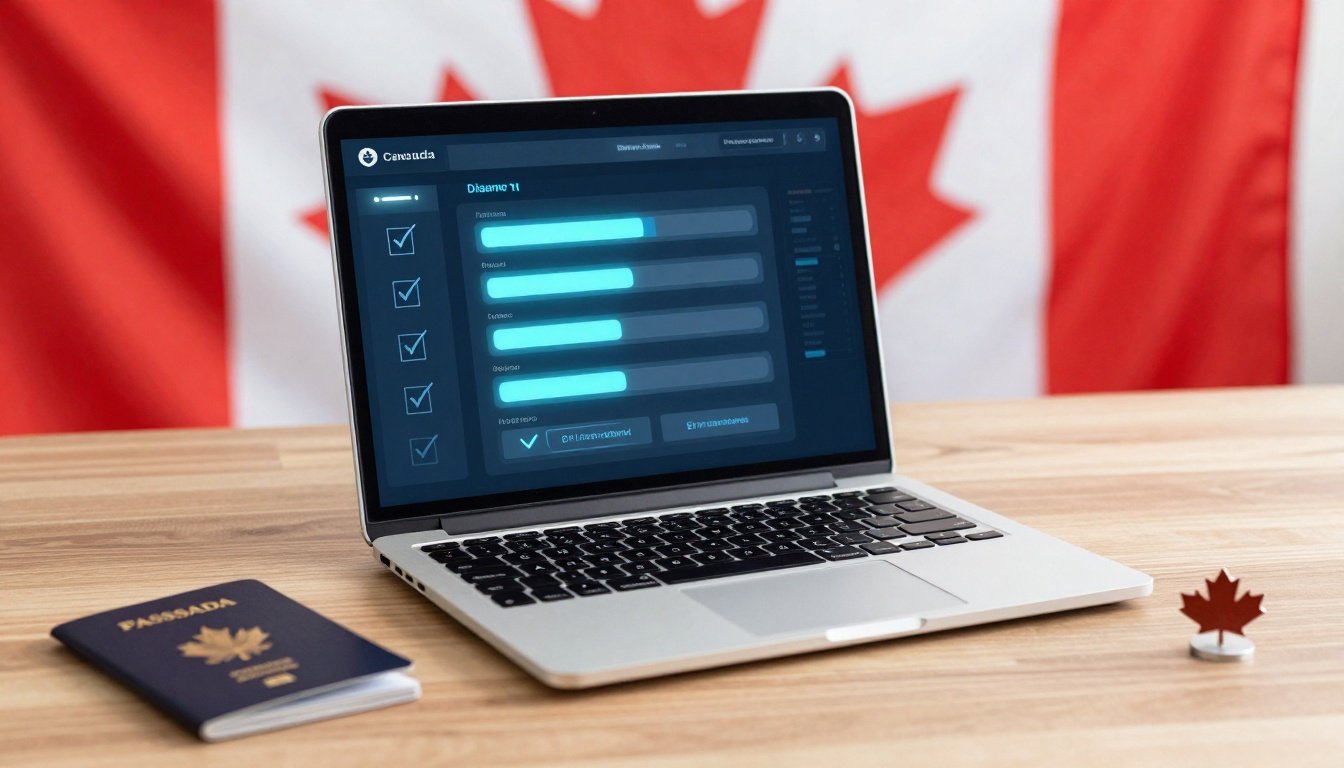
The Canada visa application tracker is IRCC’s online tool for checking your immigration application’s progress. It covers study permits, work permits, visitor visas, and Express Entry profiles. You access it only after IRCC sends your AOR, confirming they received your file.
This newer tracker beats older options with detailed breakdowns. It shows if your application sits in progress, approved, or needs action. Expect views of stages like background checks or medical reviews. Services like VFS Global handle submissions in many countries, but tracking stays with IRCC.
It differs from your IRCC secure account, which holds messages and letters for all online applicants. The tracker adds a progress bar for supported types. Users report smoother waits, as one student noted after quick UK visa help, though Canada focuses on self-service.
Benefits include daily updates and email notices. No more guessing; see exactly where your file stands.
Key Features of Canada Visa Application Tracker
- Real-time status: View if it’s in progress, approved, or refused.
- Step-by-step progress: Tracks eligibility, security checks, biometrics, and more.
- Messages and requests: Alerts for missing docs or passport returns.
- Supports key apps: Study permits, work permits, visitor visas, Express Entry.
- Email notifications: Get updates without logging in daily.
- Mobile-friendly: Check from your phone anytime.
- Separate from secure account: Links to UCI and app number for quick access.
Step-by-Step: How to Use Canada Visa Application Tracker
Before You Start
- Have your AOR email or letter ready.
- Note your UCI, application number, and date of birth exactly.
- Use a stable internet connection and personal email.
- Wait for the AOR from IRCC via email or mail.
- Go to the IRCC Application Status Tracker page.
- Click to create a new account with your name, email, and password.
- Select your application type like study permit or visitor visa.
- Enter UCI, application number, and birth date to link the file.
- Sign in and view the dashboard with status and progress bar.
- Check messages tab for any IRCC requests.
- Set up email alerts for changes.
If issues arise, your details must match AOR perfectly.
Using IRCC Secure Account Instead
For online or paper apps without AOR yet, use the secure account. Sign in with GCKey at the IRCC portal. View status, messages, and letters. Link paper files with file numbers. It offers real-time views for most applicants.
Older CAS Tool Option
For permanent residence or citizenship, try the Client Application Status tool. Enter UCI and details for basic updates. IRCC pushes newer options now.
Pricing, Fees, and What It Really Costs
The Canada visa application tracker costs nothing. IRCC runs it free for all users. Your visa fees cover submission, like CAD 150 for a study permit outside Quebec, but tracking adds zero.
Optional extras exist through partners. VFS Global charges for couriers or premium lounges at centers. These run CAD 20-100 based on service. Stick to basics for no surprises. One applicant praised full support from submission to visa without hidden fees.
Pros and Cons
| Pros | Cons |
|---|---|
| Official and accurate data | Requires AOR first |
| Real-time detailed updates | New account setup needed |
| Free with email alerts | Not for all app types yet |
| Easy mobile access | Linking errors if details off |
| Shows exact next steps | No phone support integration |
Common Mistakes (and How to Avoid Them)
- Wrong details: Match AOR exactly; double-check UCI and numbers.
- Checking too early: Wait for AOR email before trying.
- Third-party apps: Use only IRCC sites; fakes steal data.
- Ignore messages: Log in daily for doc requests.
- Forget password: Save login info securely upfront.
- Paper app mix-up: Link to secure account first.
- Overlook emails: Enable spam filters for IRCC notices.
- No updates: Use web form if status stalls.
Is Canada Visa Application Tracker Legit and Safe?
Yes, it’s IRCC’s official tool on canada.ca domains. Secure login protects your data. Check for government seals and HTTPS. Avoid apps promising insider views; they guess from public info.
Partners like VFS Global aid submissions safely. Students share stories of hassle-free visas with counselor help, much like Canada’s process. No scams if you stick to sources.
Tips to Track Better and Speed Things Up
- Bookmark the IRCC check status page.
- Check processing times weekly for your type.
- Respond to requests in 30 days.
- Link paper apps early via secure account.
- Use web form for glitches.
- Keep passport and docs ready.
- Set daily check reminders.
- Follow IRCC social for policy shifts.
- Consult free tools like VisaHQ for requirements.
- Update contact info immediately.
- Pair with study platforms for full support.
FAQs
How long until status shows in Canada visa application tracker?
After AOR, link right away for instant view.
What if no AOR yet?
Use secure account or wait; AOR comes in days to weeks.
Tracker vs secure account?
Tracker shows steps; account has messages.
Does it work for visitor visas?
Yes, after AOR for temporary resident visas.
Is it safe from hacks?
Official IRCC site uses strong security.
Processing time vs tracker status?
Times estimate averages; tracker gives your file’s real progress.
Can family track together?
Principal applicant only; reps need authorization.
What if status says ‘not started’?
Normal early on; monitor for changes.
Express Entry eligible?
Yes, post-AOR for profiles.
Conclusion
The Canada visa application tracker delivers clear, official updates to cut your stress. Master AOR linking, secure account checks, and tips for smooth tracking.
Grab your details, head to IRCC now, and stay ahead. Bookmark the status page and check official updates. Your visa waits one login away.


 Enu
Enu